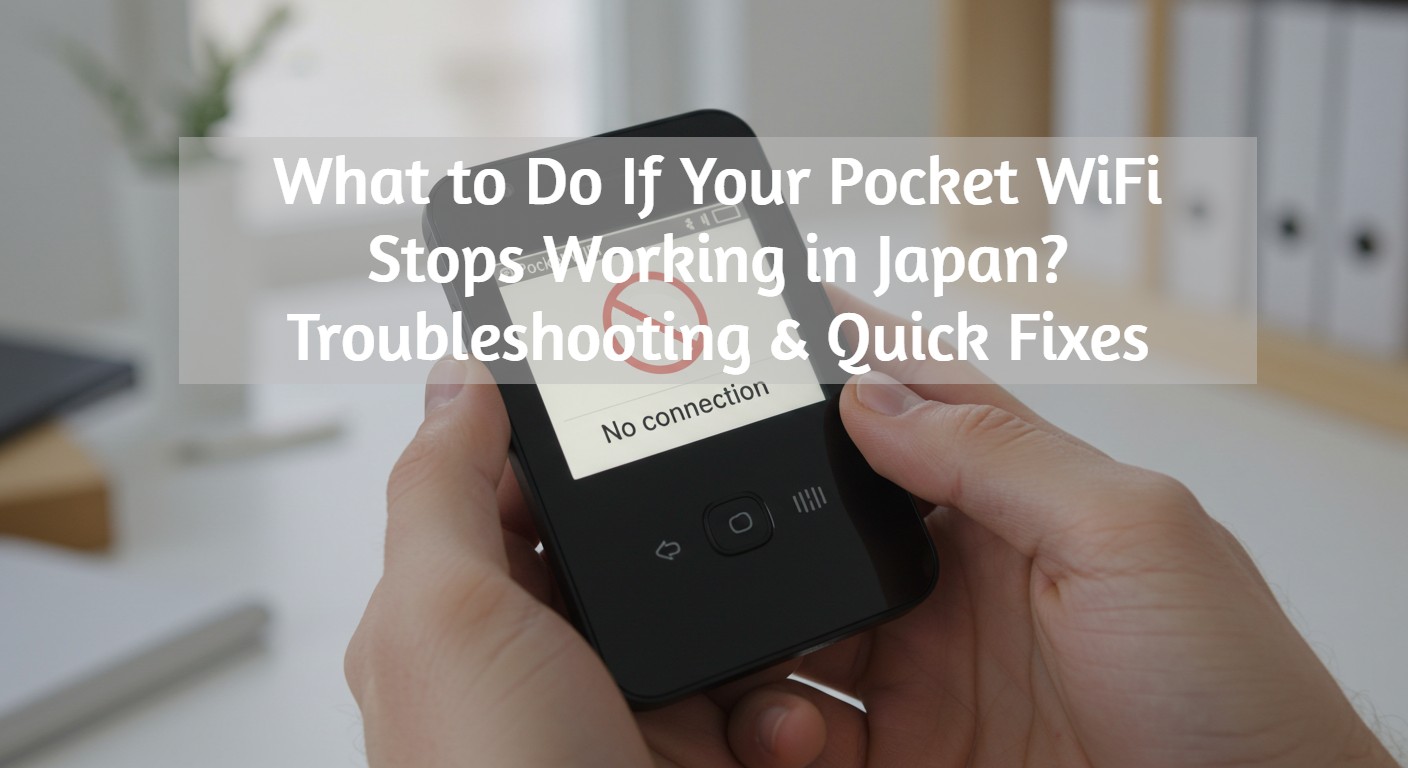
Pocket WiFi Japan Troubleshooting: Fix Connection Problems Fast (2026 Guide)
Traveling in Japan and suddenly your Pocket WiFi Japan stops working? Don’t panic! Whether it's a weak signal, battery drain, or a complete loss of connection, there are several quick fixes you can try. This guide will walk you through troubleshooting common Pocket WiFi issues, so you can get back online and enjoy your trip.
Nothing disrupts a trip to Japan faster than a Pocket WiFi that suddenly stops working. Many travelers expect seamless connectivity but find themselves stuck with slow speeds, unexpected disconnections, or devices that won’t turn on. Instead of scrambling for a solution mid-trip, CDJapan Rental provides reliable Pocket WiFi with strong coverage, real unlimited data options, and responsive support—so you can stay connected without the headache.
Common Pocket WiFi Problems & How to Fix Them
The Pocket WiFi Won’t Turn On
If your device refuses to power up, don’t panic just yet. Try these steps:
- Check the battery: It may have drained during transit. Plug it into a charger and wait a few minutes.
- Try a different cable and adapter: Sometimes, the issue is with the charger, not the device.
- Press and hold the power button: Some devices require holding the button for a few seconds.
No Internet Connection Despite Being Connected to Pocket WiFi
You’re connected to your Pocket WiFi, but the internet isn’t working—frustrating, right? You might be standing in a crowded area like Shibuya or deep inside a subway station where the signal struggles to reach.
- Restart the device: Turn it off, wait 10 seconds, and power it back on.
- Check your data usage: Some Pocket WiFi plans have a daily limit—log in to your rental provider’s portal to check.
- Move to a different location: Buildings and underground areas can interfere with the signal.
Pocket WiFi Keeps Disconnecting
You're trying to navigate Tokyo’s complex train system, but your Pocket WiFi keeps dropping the connection. This often happens due to interference from too many connected devices or weak signals.
- Disconnect unused devices to reduce load.
- Turn off and on the WiFi function on your phone.
- Restart the Pocket WiFi device.
Pocket WiFi Battery Dies Too Quickly
Your Pocket WiFi Japan rental was working fine in the morning, but by midday, the battery is dead. Japan’s many tourist attractions mean long days out, and running out of battery can leave you stranded without directions. Pocket WiFi batteries usually last 10-12 hours, but if yours is dying faster, try this:
- Reduce the number of connected devices: The more devices, the faster the battery drains.
- Lower screen brightness: Some models have a display that eats up battery.
- Carry a power bank: A small portable charger can keep you connected all day.
Slow Internet Speed
Streaming videos or using Google Maps is painfully slow? This could be due to network congestion or data limits being reached.
- Check your data usage; some plans have soft speed limits.
- Move to a location with better reception.
- Restart the device and try again.
- Disconnect unused devices. Too many connected devices can slow things down.
- Try a speed test: Use a site like Speedtest.net to check your current speed.
What If Losing My Pocket WiFi?
Losing your Pocket WiFi can be stressful, but don’t worry—you have options.
- Contact your rental provider immediately. They may offer a replacement service.
- Check lost and found at airports or hotels. Many travelers accidentally leave their devices behind.
- Use a backup plan. If you have an eSIM or local SIM card, activate it temporarily.
How to Troubleshoot Your Pocket WiFi Step-by-Step

Step 1: Restart Your Pocket WiFi
A simple restart can fix many connectivity issues. Turn off the Pocket WiFi, wait 10 seconds, and turn it back on. This refreshes the network and often restores the connection.
Step 2: Check Your Data Usage
If your Pocket WiFi Japan plan has a data cap, exceeding it might result in slow speeds or temporary disconnection. Check your usage through the device’s admin panel or contact customer support for details.
Step 3: Try a Different Location
If you’re inside a building, underground, or in a remote area, your Pocket WiFi may struggle to maintain a strong signal. Try moving to a more open space or near a window for better reception.
Step 4: Reset Network Settings
Sometimes, your phone’s WiFi settings might be causing issues. Go to your phone’s settings and reset network settings to clear any potential connection errors.
Step 5: Contact Customer Support
If none of the above steps work, it’s time to reach out to customer support.
Our support team is available to assist those who rented your Pocket WiFi from CDJapan Rental. We provide troubleshooting guidance for our customers, and in some cases, we can arrange a replacement device if necessary.
Pocket WiFi Troubleshooting Guide & FAQ
What should I check first if my Pocket WiFi is completely unresponsive?
First, check the remaining battery level and charge it with the included charger for a few minutes. If it still won't turn on, try using a different charging cable and power adapter, or press and hold the power button for a few seconds to force a restart.
Why can't I access the internet even though my device shows it's connected?
You may be in an area with weak signal reception, such as a crowded district like Shibuya or an underground subway station. Turning the device off, waiting about 10 seconds, and turning it back on often resolves connection issues.
What should I do if the battery drains quickly?
You can reduce battery consumption by limiting the number of connected devices or lowering the screen brightness (depending on the device model). If you plan to be out for the entire day, we recommend bringing a portable power bank.
Still Having Trouble? We're Here to Help!
If you can't resolve the issue on your own, please contact the CDJapan Rental Support Team. We offer customer support in both English and Japanese, and we can arrange a replacement device if necessary.
How to Ensure a Reliable Pocket WiFi Connection in Japan
Having Pocket WiFi issues while traveling in Japan can be frustrating, but most problems have quick and easy solutions. From simple restarts to checking data usage and adjusting locations, troubleshooting can often get your device back up and running in no time. However, if all else fails, having access to responsive customer support and a backup plan is essential.
To avoid unnecessary stress, the best approach is preparing ahead. Renting a reliable Pocket WiFi from a trusted provider like CDJapan Rental ensures that you get high-speed, stable internet throughout your trip. By reserving your device in advance, you can pick it up conveniently or have it delivered to your hotel, so you're connected the moment you arrive. Don’t let a bad internet connection ruin your Japan adventure—secure a CDJapan Rental Pocket WiFi before your trip and enjoy hassle-free connectivity wherever you go!